
Stop scheduling maintenance in Excel.
Build next week’s schedule in under an hour, and it writes itself back into SAP PM, Maximo or JDE. Sockeye bolts onto the CMMS you already run. We don’t replace it.
Free 90-second benchmark · get the one-pager to take to your boss · no sales call.


You’re not scheduling.
You’re managing a spreadsheet.
- ✗ Export from the CMMS, copy, paste, format, email, every single week.
- ✗ No real-time view of who’s on shift, on leave, or qualified.
- ✗ One break-in job and the whole grid is wrong by Tuesday.
- ✗ No audit trail, when the auditor asks “who changed this?”, you guess.
- ✗ 5+ hours gone before the week even starts.
How does your maintenance scheduling really stack up?
Answer 11 quick questions. Get your Scheduling Maturity score, see how you compare to typical and world-class plants, and download a one-page benchmark to take to your next review.
Your Scheduling Maturity score is ready.
From CMMS to a finished week, in four moves.
No rip-and-replace. Sockeye reads your existing system, you schedule visually, and it writes the finished plan straight back.
Connect your CMMS
Sockeye reads ready-to-schedule work orders from SAP PM, Maximo, JDE, Infor & more, or start file-based in ~2 weeks, no IT.
Drag-and-drop the week
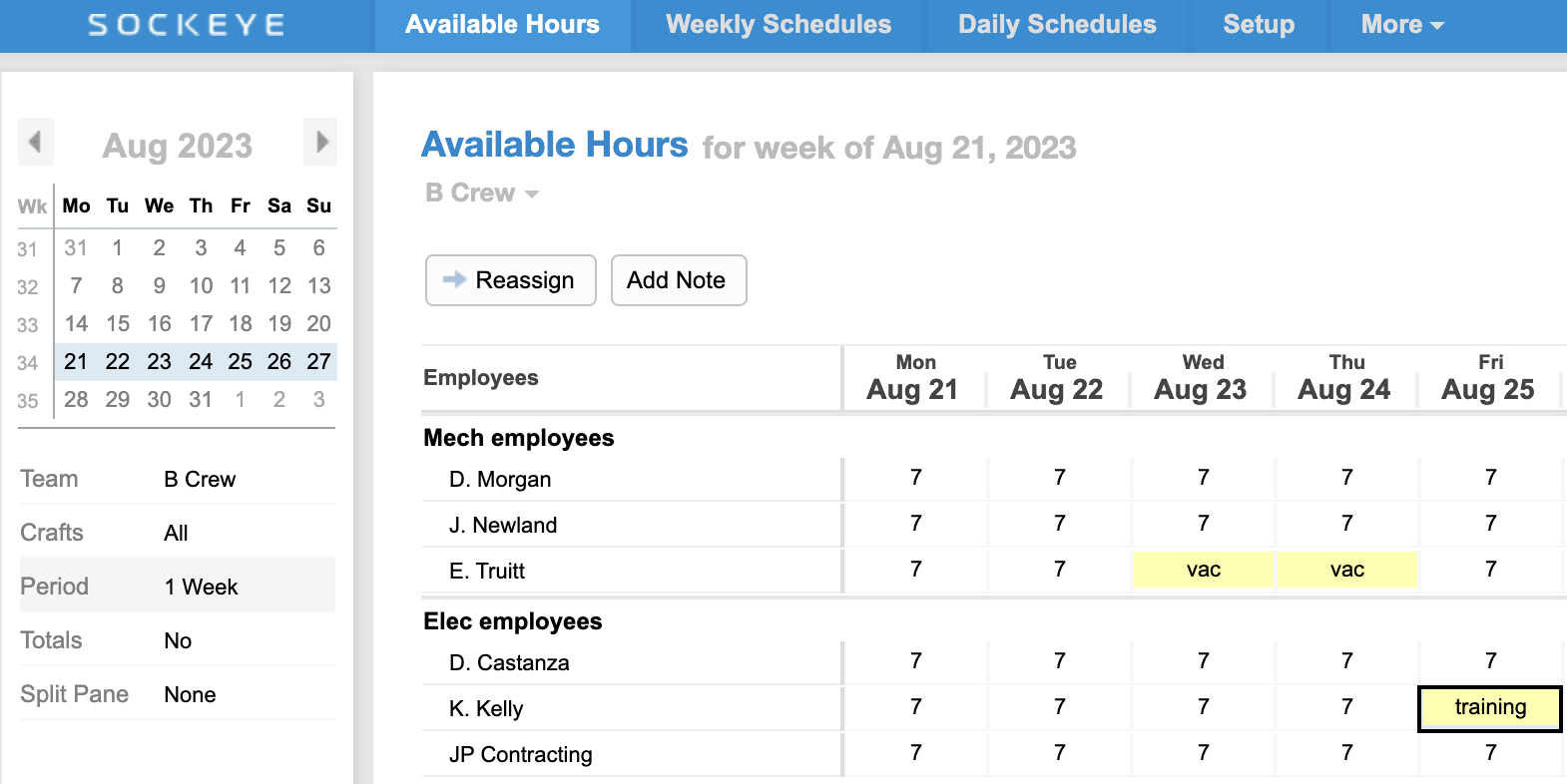
Build next week visually. Real-time technician availability, PTO and skills are right there.
Balance in real time
Over-allocations and skill gaps flag instantly. Fill every tech to the right capacity.
Write back automatically
The finished schedule, statuses and KPIs flow straight back into your system of record.
5 days of work, now done in under an hour.
“What used to take me up to five days of work can now be done with Sockeye in just under an hour.”, Todd Hicks, Planning & Shutdown Superintendent, AV Group (Aditya Birla) · runs on IBM Maximo
Sockeye bolts onto SAP PM, IBM Maximo, Oracle JDE, Infor and more, with configurable read/write field mapping, so your data stays in your system of record.
Questions planners actually ask
Do we have to replace our CMMS?
No. Sockeye is a scheduling bolt-on. Your SAP PM / Maximo / JDE stays exactly where it is, Sockeye just fixes the one workflow it’s bad at and writes the result back.
Does it really write back to SAP PM?
Yes. The API integration is two-way with configurable, per-field read/write mapping. Changes you make in Sockeye push back; last-minute changes in the CMMS reflect in Sockeye.
How long does it take to get going?
File-based (Excel export) go-live is about 2 weeks with no IT resources. Full API integration is typically 4 to 6 weeks. Training is ~1 hour, which is part of why adoption sits at 98%.
Is it secure?
SSO is supported, a CMMS-matched sandbox is available, and every schedule change is tracked for a verifiable audit trail.
“We built Sockeye because we were schedulers first. We know the Monday grind, the version chaos, the ‘who is actually in today?’ scramble, because we lived it. If your benchmark stung a little, good. That is exactly the gap we love helping people close.”
The Sockeye team · made by schedulers, for schedulers
Get your week back.
See exactly where your scheduling stands, and what it would take to get to under an hour.
Run my 90-second benchmark